Event JSON
{
"id": "25076bb4585f325bf510cedd90e890f14fd639d6fa25063b19bee71e7eb39236",
"pubkey": "29c7e6b10c21d1a9455f0e497f3c1c4c8b5c252123322b42833787563683ae89",
"created_at": 1725464189,
"kind": 1,
"tags": [
[
"imeta",
"url https://files.mastodon.social/media_attachments/files/113/080/020/814/797/049/original/7b0eca9abdad98cf.png",
"m image/png"
],
[
"proxy",
"https://mastodon.social/@halide/113080021094821844",
"web"
],
[
"imeta",
"url https://files.mastodon.social/media_attachments/files/113/080/020/486/578/815/original/b0cc84dc992d6d48.png",
"m image/png"
],
[
"proxy",
"https://mastodon.social/users/halide/statuses/113080021094821844",
"activitypub"
],
[
"L",
"pink.momostr"
],
[
"l",
"pink.momostr.activitypub:https://mastodon.social/users/halide/statuses/113080021094821844",
"pink.momostr"
],
[
"-"
]
],
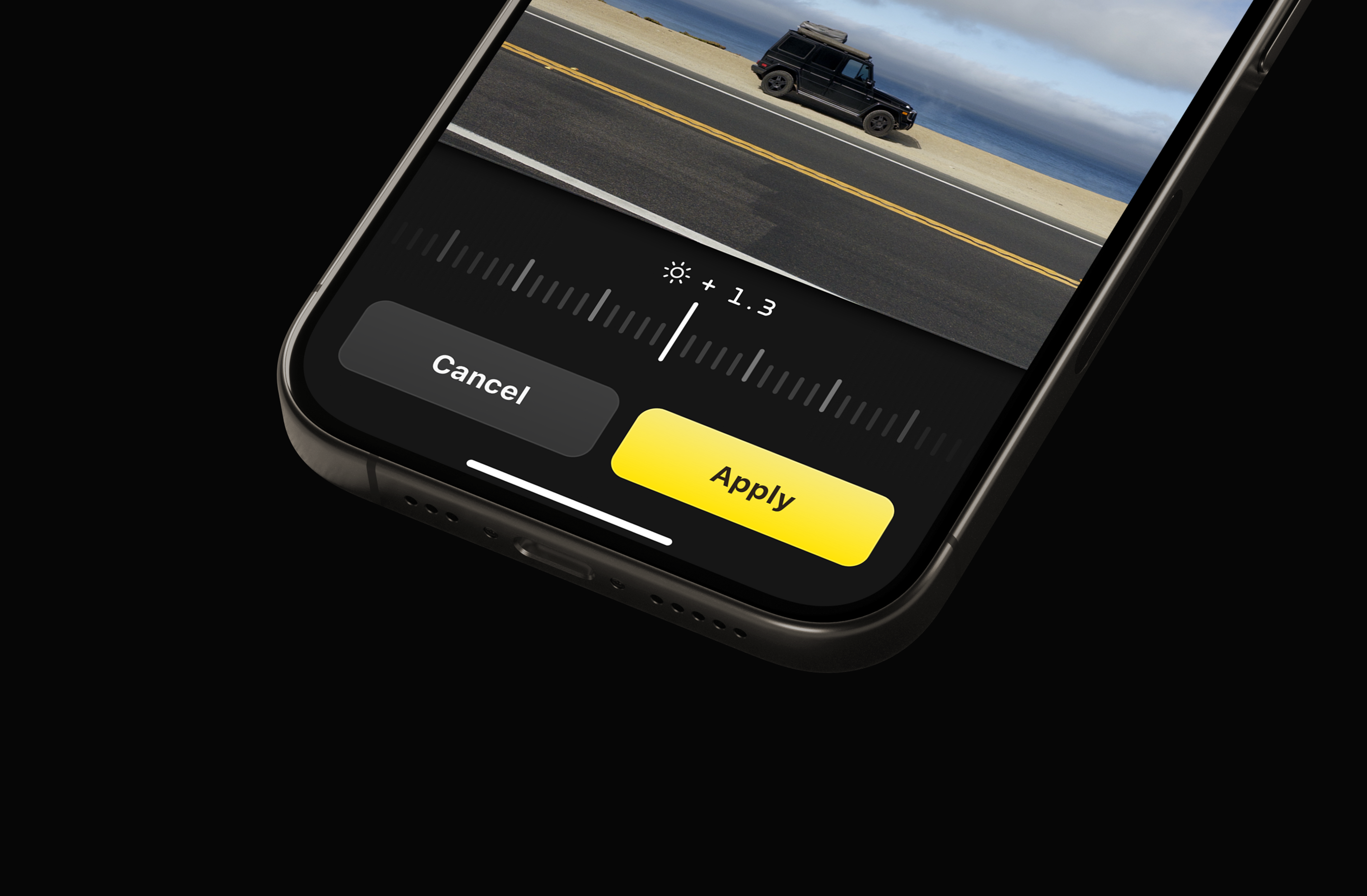
"content": "Pro Tip: Did your Process Zero shot come out a bit too bright or dark? \n\nEnter Image Lab: tap the +/- icon in the reviewer to adjust exposure - after the shot. Adjust exposure to your liking, and Image Lab will re-develop the raw data captured in Process Zero mode for a great shot.\nhttps://files.mastodon.social/media_attachments/files/113/080/020/486/578/815/original/b0cc84dc992d6d48.png\nhttps://files.mastodon.social/media_attachments/files/113/080/020/814/797/049/original/7b0eca9abdad98cf.png\n",
"sig": "5b4ebf84b515e93756f3f9e3e0b3401655d6dd91fa75c0dc9394f18971f042987e531db533b225fcaed19a514f9af2ecc797f516908cde4bd35fb751bed953f2"
}