Event JSON
{
"id": "c909e1fd7a29616d841ad3c0c24e038ed5e2bfd6e9a38412bfb7fd81a726d93f",
"pubkey": "9c7049818976e8484efffeed70a94124f9f0f57a1a1b0d03cdfc6a74ec776b9d",
"created_at": 1777024820,
"kind": 1,
"tags": [
[
"imeta",
"url https://files.mastodon.social/media_attachments/files/116/459/098/547/752/873/original/d41452785646798e.png",
"m image/png"
],
[
"proxy",
"https://mastodon.social/@webstandards_dev/116459098618389136",
"web"
],
[
"t",
"js"
],
[
"t",
"performance"
],
[
"proxy",
"https://mastodon.social/ap/users/115452321018560572/statuses/116459098618389136",
"activitypub"
],
[
"L",
"pink.momostr"
],
[
"l",
"pink.momostr.activitypub:https://mastodon.social/ap/users/115452321018560572/statuses/116459098618389136",
"pink.momostr"
],
[
"-"
]
],
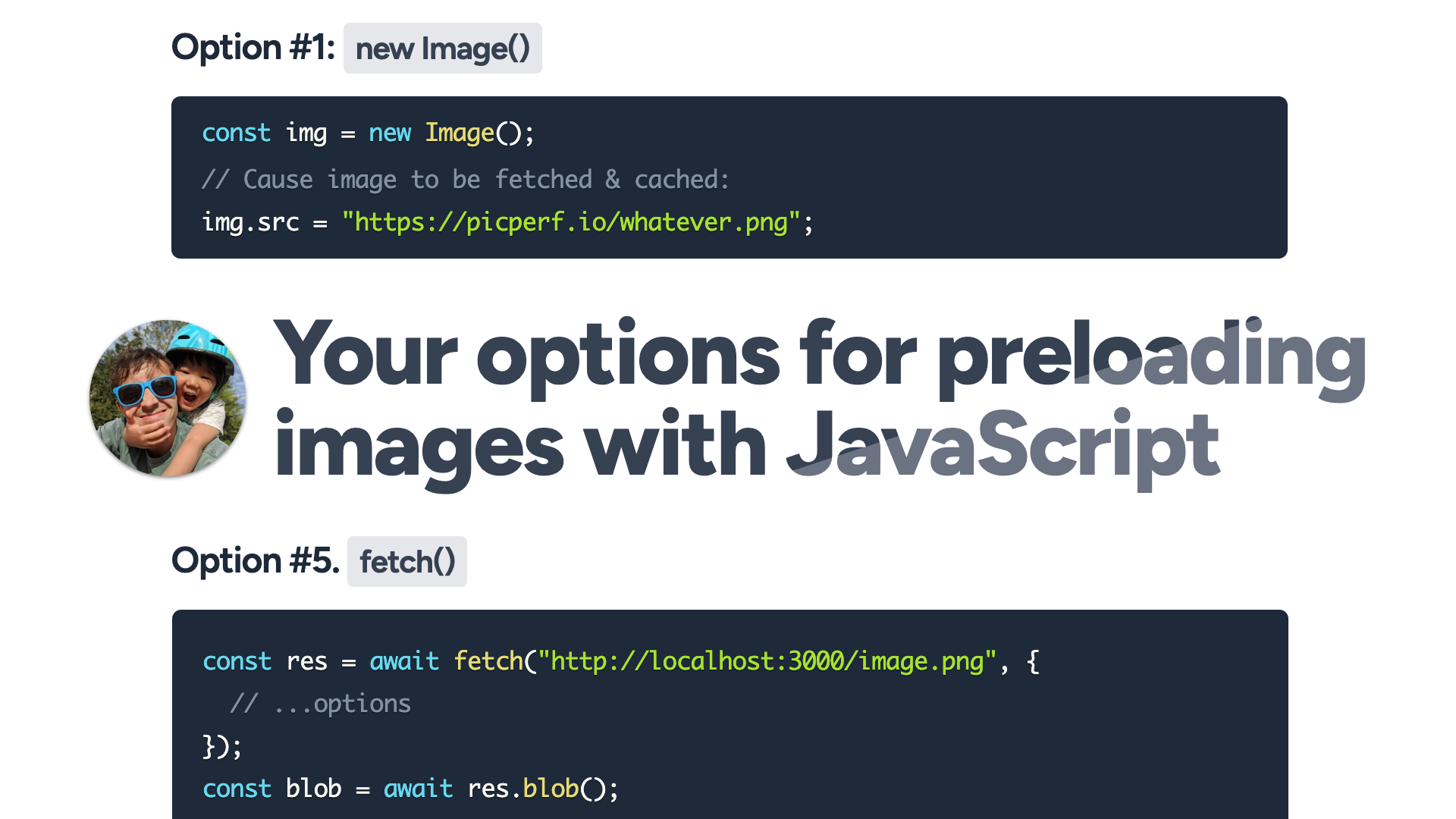
"content": "Your options for preloading images with JavaScript. Alex MacArthur compares five approaches to preloading images: new Image(), \u003clink rel=\"preload\"\u003e, a hidden \u003cdiv\u003e with a CSS background, the Cache API, and fetch(). Each method has different trade-offs around browser caching, CORS handling, and flexibility. The article breaks down when to use each technique to prevent lag when displaying images that haven’t been loaded yet. #js #performance\n\nhttps://macarthur.me/posts/preloading-images/\nhttps://files.mastodon.social/media_attachments/files/116/459/098/547/752/873/original/d41452785646798e.png\n",
"sig": "2ac113cec5202aef12bdac81104041a5317fa30ff5e0c61fa8633c8112bfce8d5ca73edd2a34f8397cda558b8ccdd7b802ae37b03c14b6a05b7d6f7d97fe6cf5"
}