Event JSON
{
"id": "1d9b481dbb103cedf34891b27c42e9bc56d124dbf60e961e8861499e590b2115",
"pubkey": "40d281fb86c5bfe993b45a6fbda1f3819d43e89311e2960cb95ca05d59867392",
"created_at": 1786801325,
"kind": 1,
"tags": [
[
"t",
"linux"
],
[
"imeta",
"url https://files.mastodon.social/media_attachments/files/117/099/795/537/855/153/original/ab70b45d09c70e29.png",
"m image/png"
],
[
"t",
"linuxtips"
],
[
"t",
"linuxtools"
],
[
"proxy",
"https://mastodon.social/@mboelen/117099811653040694",
"web"
],
[
"proxy",
"https://mastodon.social/users/mboelen/statuses/117099811653040694",
"activitypub"
],
[
"L",
"pink.momostr"
],
[
"l",
"pink.momostr.activitypub:https://mastodon.social/users/mboelen/statuses/117099811653040694",
"pink.momostr"
],
[
"-"
]
],
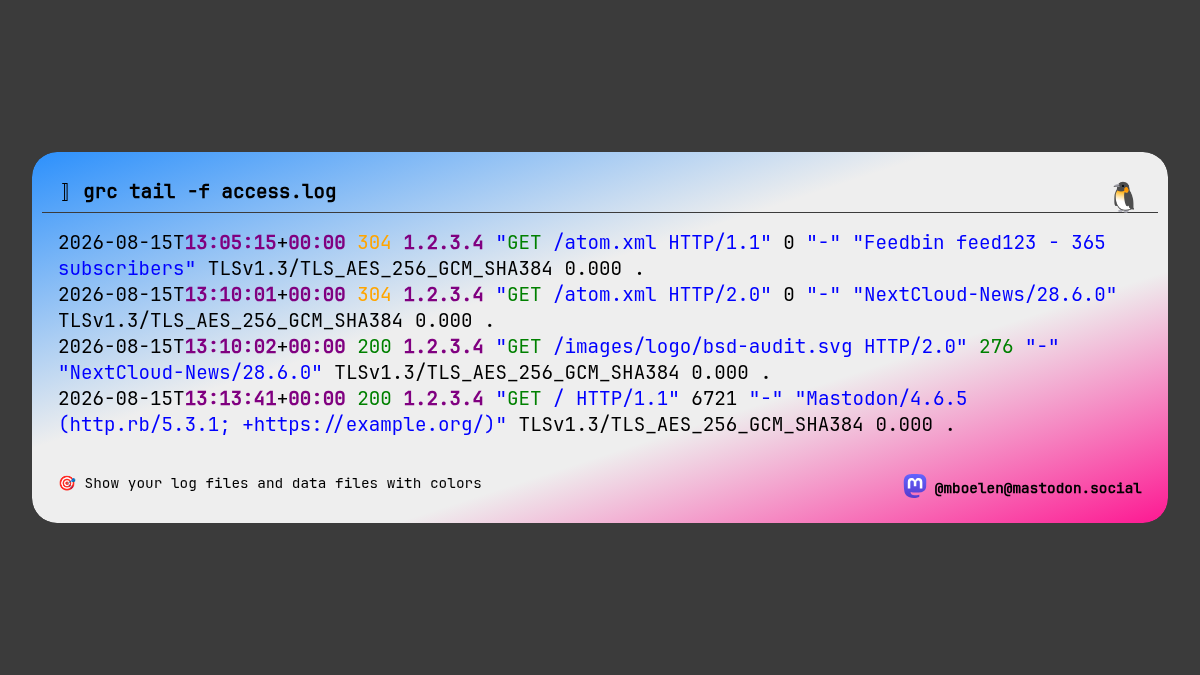
"content": "🤔 When looking at log and data files it can be hard to spot the exceptional events.\n\n🧰 A great tool to give color to boring screen output is 'grc'.\n\n📖 Run it in front of the command that you would normally run and it will add colors.\n\nCool tool, right? 🔁 \n\n(note: for this output I had to adjust the colors manually, they look better in the terminal)\n\n#Linux #LinuxTips #LinuxTools\nhttps://files.mastodon.social/media_attachments/files/117/099/795/537/855/153/original/ab70b45d09c70e29.png\n",
"sig": "1a550b9a48a42501587456046f98cd91bd198622bee8839b7c5242db313168a27ee7d00ca26018924ec0462f9cacc7dd2740f5ed37d3320e41a68ee6bb188c9c"
}