Event JSON
{
"id": "8bf6082bfeb3b232bd7207050a4e2827f5fe815b9944798fd88c1c01a92934c8",
"pubkey": "cbcd47faf2c5cc0bdd7550144f356cbd5ff607356c3699ba0414eb923723e54c",
"created_at": 1781698636,
"kind": 1,
"tags": [
[
"imeta",
"url https://media.bsd.cafe/bsdmmedia01/media_attachments/files/116/765/391/314/468/255/original/629e51f55810ac75.jpg",
"m image/jpeg"
],
[
"t",
"alpinelinux"
],
[
"t",
"gamingonlinux"
],
[
"imeta",
"url https://media.bsd.cafe/bsdmmedia01/media_attachments/files/116/765/391/329/510/722/original/f205edba9bd191bb.jpg",
"m image/jpeg"
],
[
"proxy",
"https://mastodon.bsd.cafe/@sohrab/116765401848627018",
"web"
],
[
"t",
"distrobox"
],
[
"t",
"linuxmobile"
],
[
"t",
"steamarm64"
],
[
"t",
"postmarketos"
],
[
"t",
"plasmamobile"
],
[
"proxy",
"https://mastodon.bsd.cafe/users/sohrab/statuses/116765401848627018",
"activitypub"
],
[
"L",
"pink.momostr"
],
[
"l",
"pink.momostr.activitypub:https://mastodon.bsd.cafe/users/sohrab/statuses/116765401848627018",
"pink.momostr"
],
[
"-"
]
],
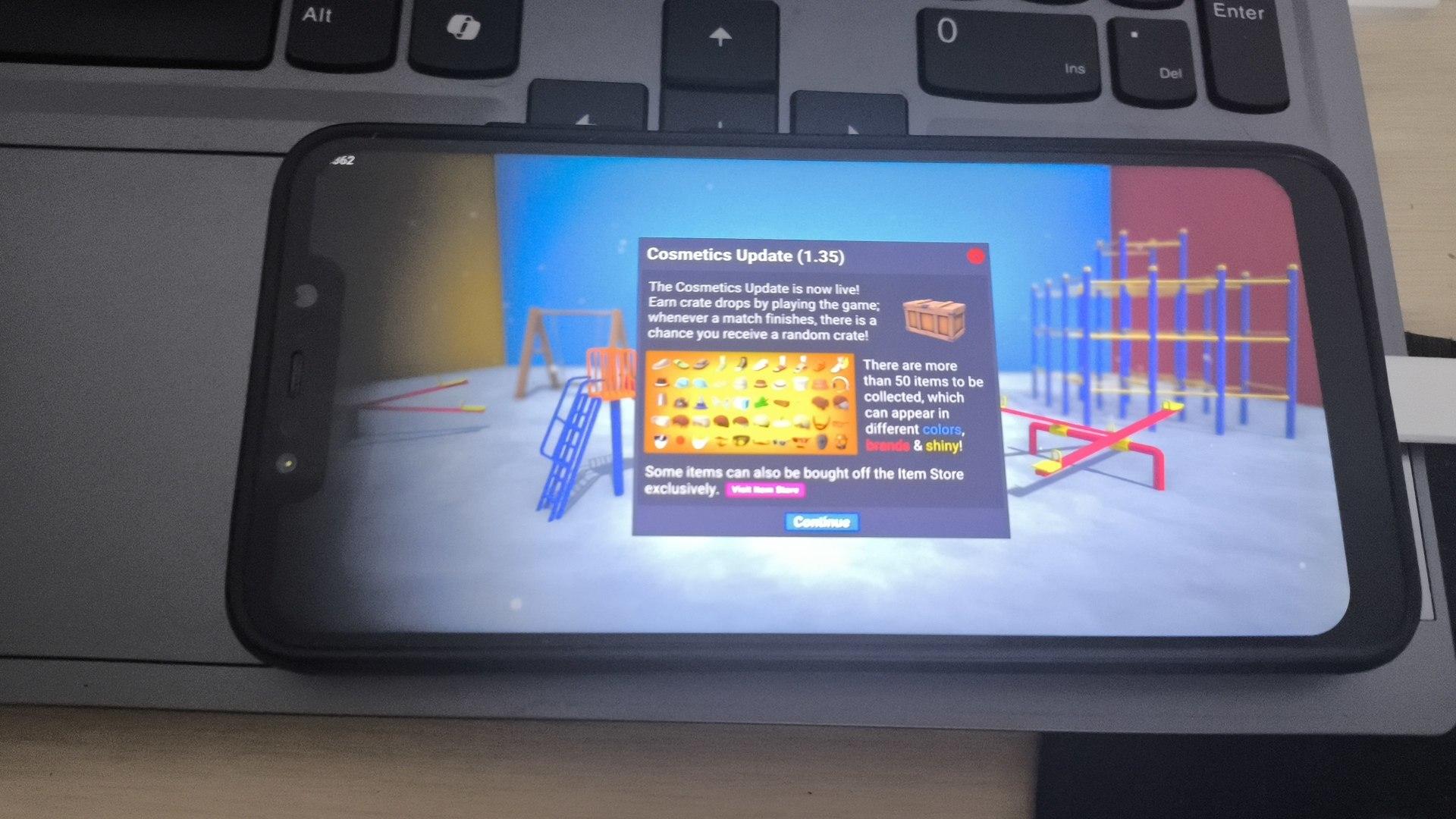
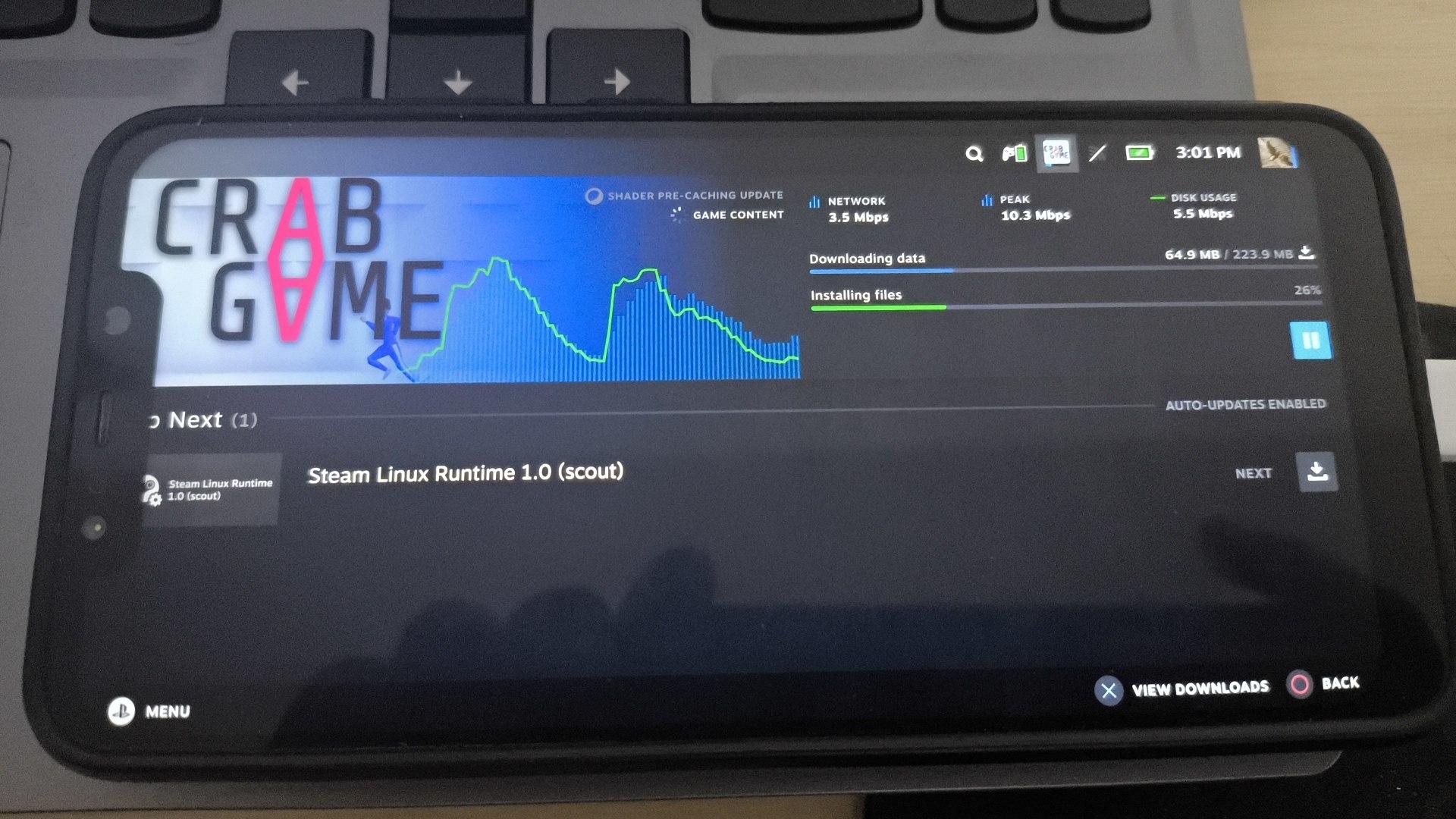
"content": "Hello everyone after a long time! Hope you're all doing great, I've missed this community :)\n\nMy internet is finally back to a relatively stable state, which means I can jump back into my old passion projects!\n\nI recently saw that a native ARM64 beta port of the Steam client was released, and I knew it was the perfect time to test it on my Linux phone.\n\nI'm currently running #postmarketOS with #PlasmaMobile on my PocoPhone F1. Since pmOS is based on Alpine, it uses musl libc, which doesn't support running these binaries natively. To bypass this, I set up an Ubuntu 24.04 #Distrobox container and installed the ARM64 Steam client along with box64 and box86. The process wasn't as straightforward as some guides suggest (like the one below); I had to do some extra tweaking. I'll definitely write a detailed blog post or a postmarketOS wiki entry about it soon!\n\n🔗 https://interfacinglinux.com/community/sbcsoftware/native-steam-client-for-arm-linux/\n\nI managed to boot Steam into Big Picture mode and went straight to setting up Proton. \n\nNote: The Proton 11 ARM64 mentioned in the link didn't work for me, so I used Proton Experimental instead.\n\nI paired my PS4 controller via Bluetooth, and it worked flawlessly out of the box! For the gaming test, I downloaded Crab Game (kept it lightweight due to my strict data limits).\n\nAgainst all odds, it actually launched! Running via Proton Experimental + Box64/86 inside Distrobox on my phone, I managed to get a relatively playable 20-30 FPS. Linux mobile gaming is getting wild! 🐧🎮\n\n#LinuxMobile #SteamARM64 #GamingOnLinux #AlpineLinux\nhttps://media.bsd.cafe/bsdmmedia01/media_attachments/files/116/765/391/314/468/255/original/629e51f55810ac75.jpg\nhttps://media.bsd.cafe/bsdmmedia01/media_attachments/files/116/765/391/329/510/722/original/f205edba9bd191bb.jpg\n",
"sig": "6725571c2280b8adec55d89c9f4fbe5f4227153d1504dc27422e1e8687ab46687f64c628f33c03f58606350d93b227fbd43a2ee0658158bbe027ecd2cf9b8a26"
}