Event JSON
{
"id": "5dbe6a2142bbb87b3f6bb316901215c1b229515c0c0b81cc2c7de81c0f9f0d05",
"pubkey": "b568530f31bb6ac11fd10cdd3440949127057cf3d5377e78a97a9bfc2084ce12",
"created_at": 1787124318,
"kind": 1,
"tags": [
[
"t",
"onlyoffice"
],
[
"t",
"salesforce"
],
[
"t",
"opensource"
],
[
"t",
"plugin"
],
[
"imeta",
"url https://cdn.fosstodon.org/media_attachments/files/117/120/979/008/930/800/original/d4cb6c761afd781f.png",
"m image/png",
"dim 1024x522",
"blurhash UNQJce4UES.SGH5WIpMwO[OtRPwI}rvyo}cF"
],
[
"proxy",
"https://fosstodon.org/users/ONLYOFFICE/statuses/117120979362868171",
"activitypub"
],
[
"client",
"Mostr",
"31990:6be38f8c63df7dbf84db7ec4a6e6fbbd8d19dca3b980efad18585c46f04b26f9:mostr",
"wss://relay.ditto.pub"
]
],
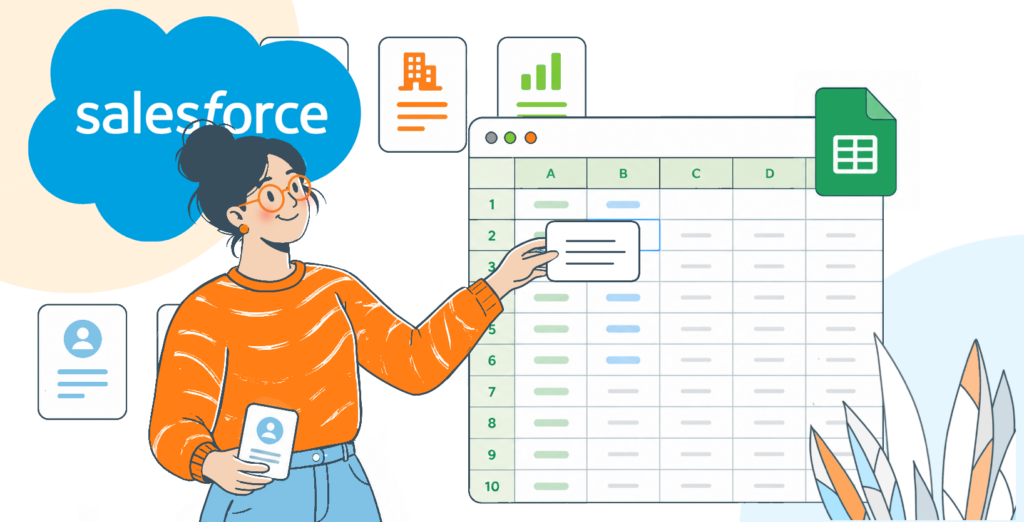
"content": "New #ONLYOFFICE plugin for your spreadsheets! 🎉\n\nPull your #Salesforce reports and object data straight into #ONLYOFFICE spreadsheets, edit and analyze it, then export it back — no more app-switching.\n\nBest part: it works with self-hosted instances, so your data stays on your own server.\n\nDiscover all the details and configuration instructions in this blog post: https://www.onlyoffice.com/blog/2026/08/import-data-from-salesforce-into-spreadsheets?utm_source=social\u0026utm_medium=post\u0026utm_campaign=fosstodon\n\n#ONLYOFFICE #OpenSource #Salesforce #Plugin\n\nhttps://cdn.fosstodon.org/media_attachments/files/117/120/979/008/930/800/original/d4cb6c761afd781f.png",
"sig": "4dc7435911164599ddac640c36f8a4d20d4cd91c9901e1e98a2687cd53b6914e39a38b8b238529f0010cb468f4d3b29bdcafe1c9328804d4a80d1e43d38f471e"
}