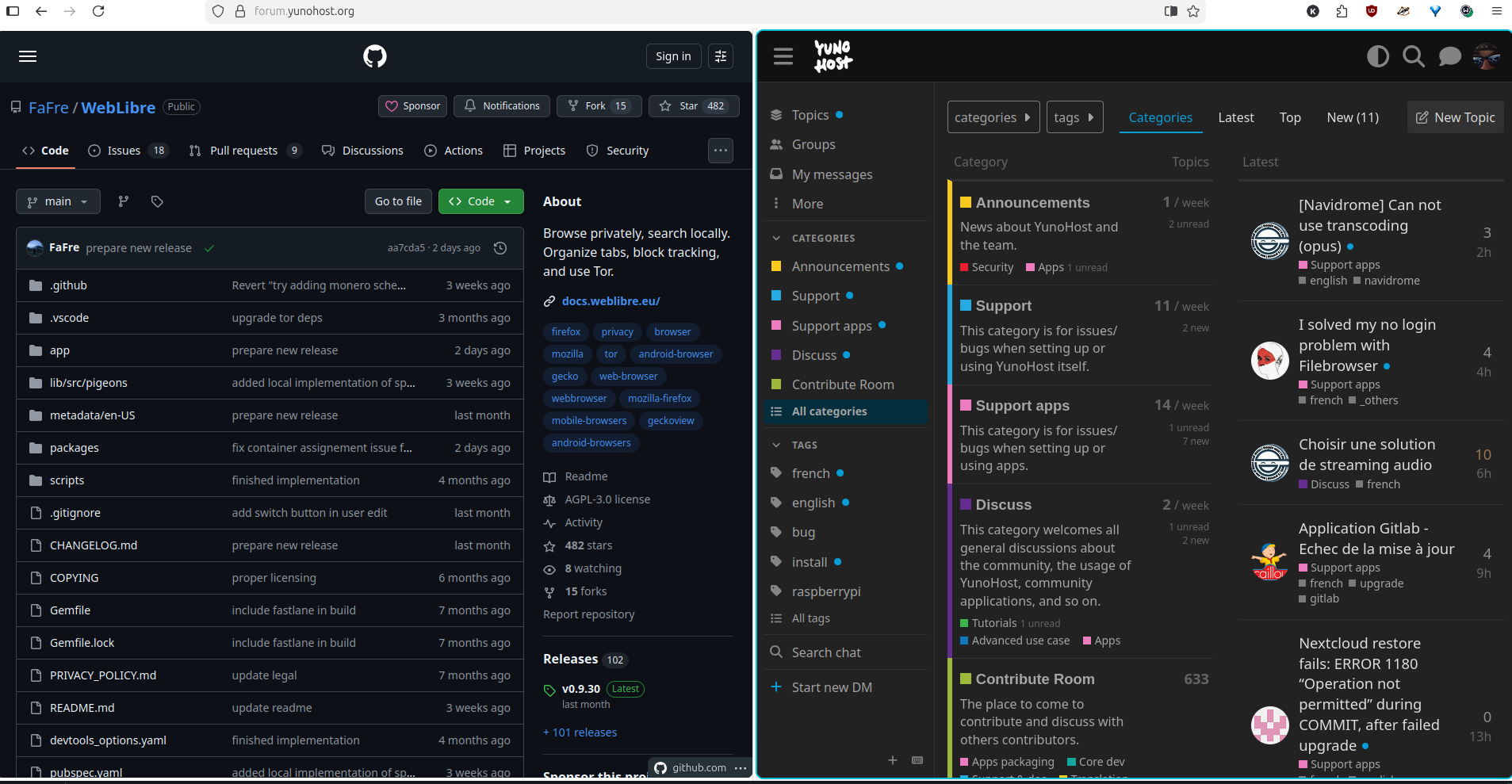
To enable it:
Open Firefox (version 146.0 or later)
Enter about:config in the address bar
Agree to the cautionary warning
Search for browser.tabs.splitView.enabled
Double-click the ‘false‘ value to set it to ‘true‘
That’s it; no browser restart is needed.
To create a split tab right-click on any tab and choose “Add Split View”:
#firefox

quotingFirefox split view, thanks nprofile1qy2hwumn8ghj7un9d3shjtnyd968gmewwp6kyqpq48tyehxq0nep8g4gyemyt33v2l3f2xvkhcyx6t7czqv0gesux5pqp8kp9r (nprofile…kp9r)
nevent1q…7htu